
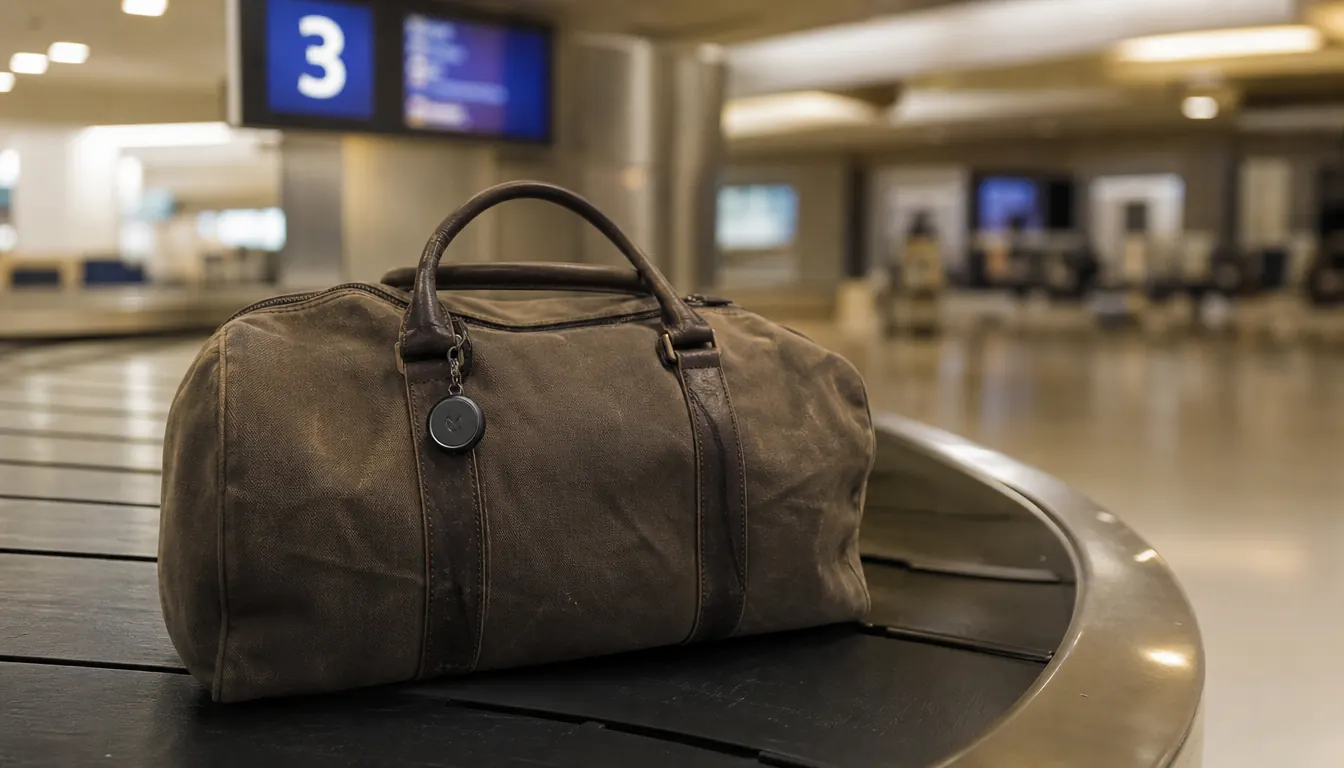
I have had bags go sideways on three continents. A sailboat puts everything you own in a small space, so I am genuinely particular about what I pack. When my seabag missed a connection in Frankfurt and ended up in a different country than I did, the airline's answer was a shrug and a claim number. No location. No update. Nothing. After that trip I started putting a Bluetooth tracker on every bag I check, and the Samsung Galaxy SmartTag2 is what I clip on now. This guide is the setup I use, including what to do when your bag actually goes somewhere it should not.
Fair warning before we go further: the Samsung Galaxy SmartTag2 works on Samsung's SmartThings Find network, which means you need a Samsung Galaxy phone and the SmartThings app. If you are on an iPhone, stop here and look at the Apple AirTag instead. These ecosystems do not cross-talk. But if you are a Galaxy user, the SmartTag2 is genuinely good, the battery lasts around six months on a single coin cell, and the network coverage is solid because every Samsung Galaxy device in range silently relays the tag's location back to you.
Your bag is already on the belt. Is your tracker on it?
The Samsung Galaxy SmartTag2 runs six months on one battery, clips to any luggage handle in seconds, and shows you exactly where your bag is on your Samsung Galaxy phone. At the current price, it costs less than a single airline-lost-bag phone call.
Amazon Check Today's Price on Amazon →Step 1: Buy the Right Tracker for Your Phone
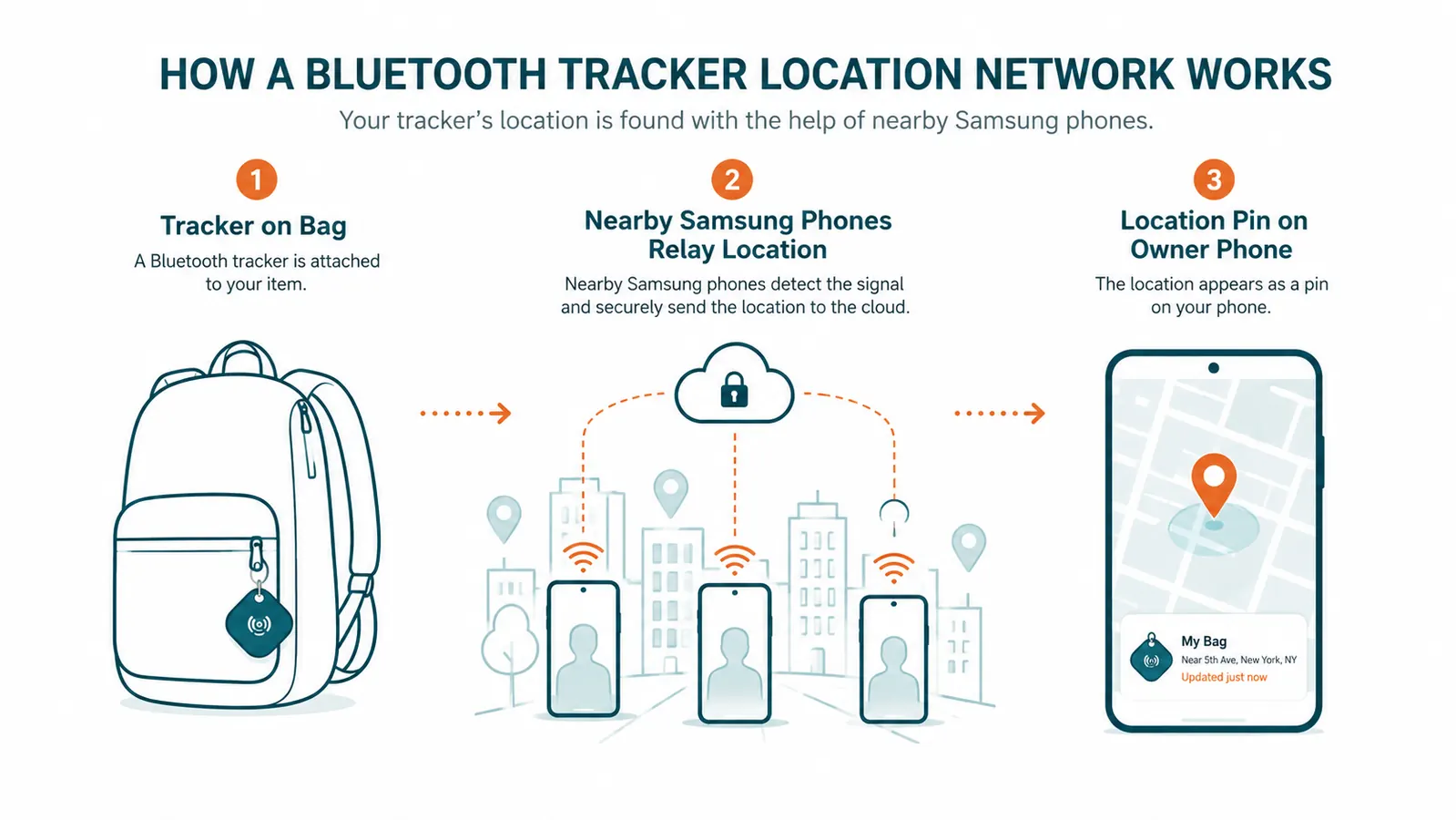
The single biggest mistake people make is buying a tracker that belongs to the wrong ecosystem. Bluetooth luggage trackers do not use GPS. They rely on a crowd-sourced network of other devices to relay their location. The Samsung Galaxy SmartTag2 pings every Samsung Galaxy phone that passes within Bluetooth range, and that phone silently sends the tag's location to Samsung's servers without the owner of that passing phone ever knowing. You see it on your map in the SmartThings app. That network is massive because Samsung ships hundreds of millions of Galaxy devices every year, but it only works if you are also on Galaxy.
If you have a Galaxy phone, the SmartTag2 is your tracker. It has a physical button that can ring your phone in reverse, a water-resistance rating of IP67, and a replaceable CR2032 battery that most people only need to swap once a year. Buy it before your next trip so you have time to set it up at home rather than fumbling with it at a check-in counter.
Step 2: Install SmartThings and Pair the Tag
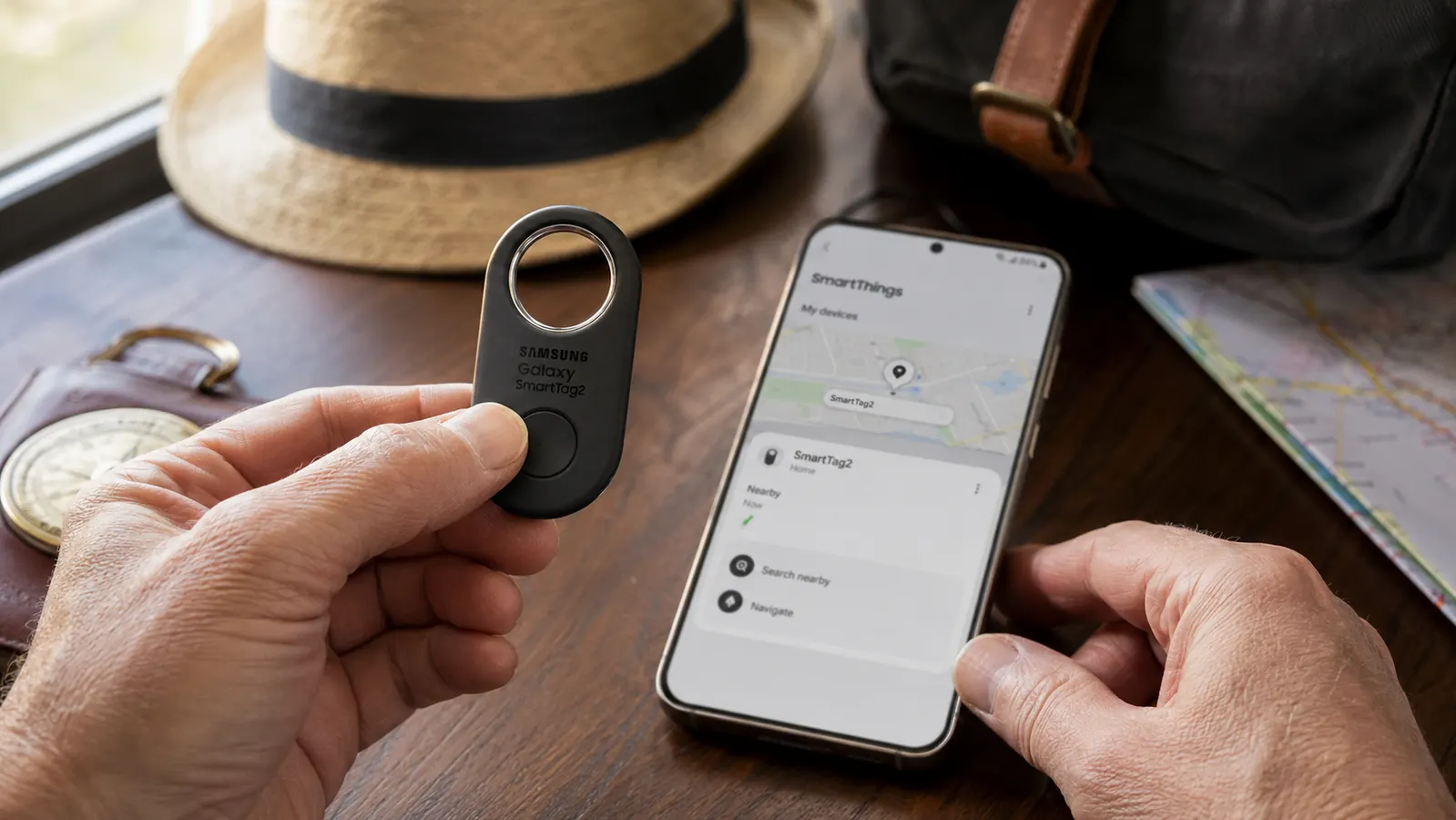
Download the SmartThings app from the Google Play Store if you do not already have it. Open the app, tap the plus icon to add a device, and select SmartTag2 from the list. Press the button on the tag for three seconds until it beeps. The app will find it and walk you through naming it. Call it something specific like 'Black Duffel' or 'Checked Suitcase' so when you are staring at a map at midnight in a foreign airport, you know which bag you are looking at.
Before you leave the house, walk the tag to the other end of your home and confirm it appears on the SmartThings Find map. That confirms the pairing worked. Also turn on the 'Notify when separated' option under the tag's settings. This setting pings you when the tag moves out of Bluetooth range without your phone moving with it, which is the moment your bag goes a different direction than you do. Catching that alert in the terminal is useful. Catching it at the gate gives you enough time to flag someone before the doors close.
While you are in the settings, check that the tag is enrolled in SmartThings Find, which is the crowd-sourced location network. This should enable automatically during setup, but verify it is on. Without it, the tag can only be found when it is within direct Bluetooth range of your own phone, which defeats the purpose of tracking a checked bag. With SmartThings Find active, any Galaxy device that passes within about 120 feet of the tag will update its location on your map.
Step 3: Attach the Tag to Your Bag in a Way That Survives Baggage Handling
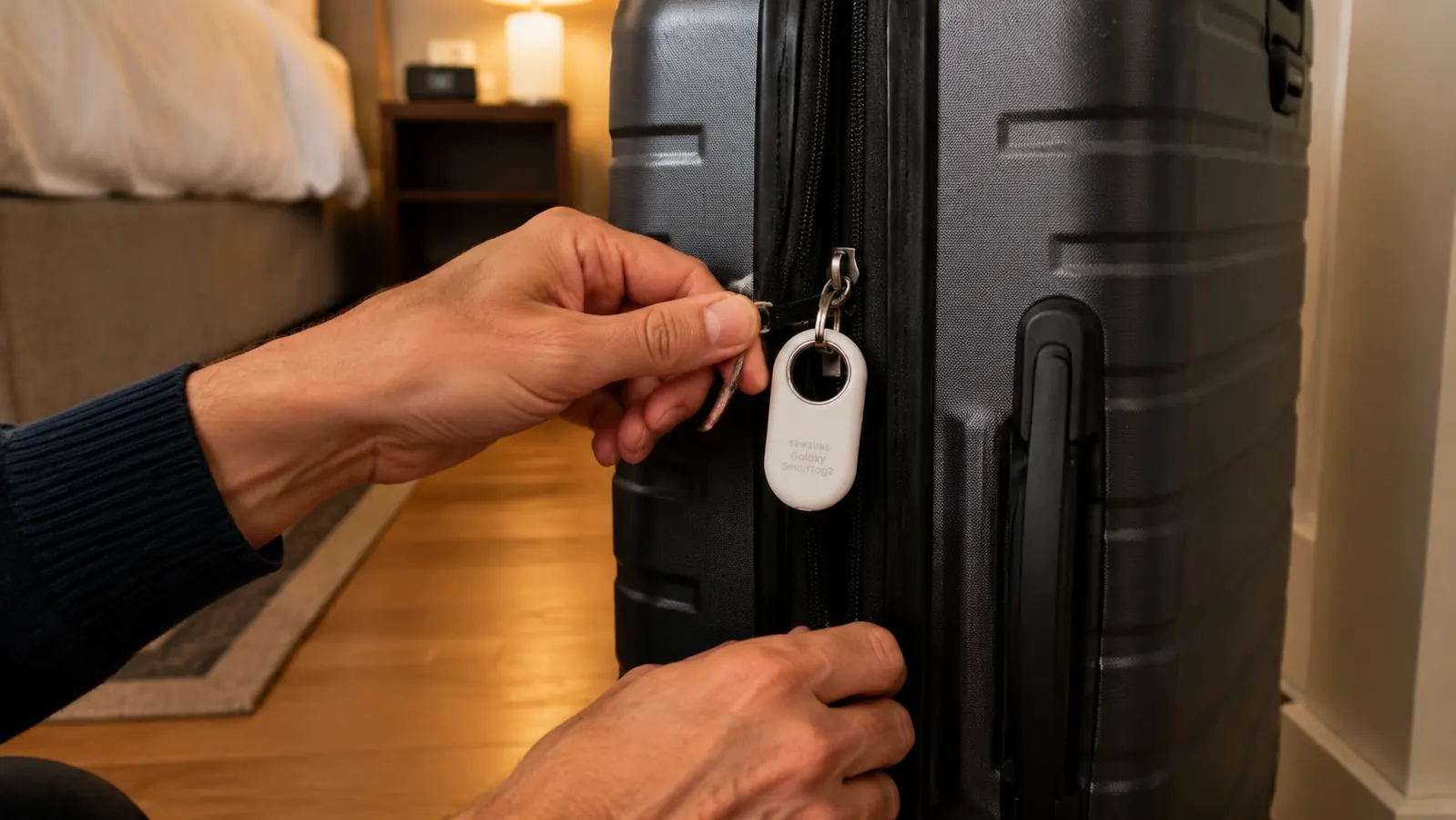
Where you clip the tag matters more than most people expect. Baggage handlers are not gentle. I have seen bags come off the carousel with broken zipper pulls, snapped luggage tags, and handles that look like they lost a fight. Do not clip the SmartTag2 to a flimsy luggage tag slot or the thin plastic handle loop on a cheap suitcase. Use the tag's built-in keyring hole to clip it through a structural zipper pull on the main compartment, or thread a small carabiner through the tag and through a sewn webbing loop on the bag's body. You want it attached to something that is part of the bag's frame, not just stapled to it.
A second option I use on my seabag: clip the SmartTag2 inside the bag, tucked under the top handle webbing where it is protected from impact. The Bluetooth signal passes through soft fabric just fine. Rigid-sided suitcases are trickier. Place the tag in a mesh interior pocket rather than buried inside clothing, because dense fabric layering can soften the Bluetooth signal at maximum range. You want every passing Galaxy phone to be able to hear it.
The SmartTag2 is rated IP67, meaning it can handle being submerged in a meter of water for up to thirty minutes. In practice this means you do not need to worry about rain on the tarmac, a wet baggage cart, or the general indignity of what happens to bags between the check-in desk and the hold. Clip it and forget it until you land.
Step 4: Understand What the Map Is Actually Telling You
The SmartTag2 does not broadcast GPS coordinates. It does not have a GPS chip. What it does is broadcast a Bluetooth signal that any nearby Samsung Galaxy device picks up. That passing device then reports the tag's location to Samsung, which means the location you see on your map is wherever the tag was when the most recent Samsung device walked past it. If the tag is sitting in a baggage facility at a major hub where staff carry Galaxy phones, the location updates frequently. If it is in a remote regional airport or on a rural highway in the back of a lost-baggage van, updates may be hours apart.
That is not a flaw. It is just how the technology works, and knowing it changes how you read the map. A pin that has not moved in three hours does not mean the bag is lost. It means no Galaxy device passed close enough to update it. A pin that shows an airport in a different city than yours is your clearest signal to talk to the airline immediately, with that screenshot in hand. I have done this twice. Both times the airline agents responded very differently when I could show them a map location rather than just saying my bag was missing.

Step 5: What to Do If Your Bag Actually Goes Missing
Go to the airline's baggage service desk before you leave the baggage claim area. Do not wait until the next morning. Show them the SmartThings Find map on your phone with the current or last-known location of the tag. Take a screenshot with a visible timestamp. Most airlines have a 24-hour window after which a bag becomes a 'lost' claim rather than a 'delayed' claim, and lost claims have more friction. Starting the conversation immediately, with a location on your screen, puts you in a stronger position.
File a Property Irregularity Report at the desk and get a copy or a reference number. If the SmartThings map shows your bag at a specific airport, tell them that directly. Airlines have internal routing systems that are much faster than the passenger-facing ones, and giving them an actual location rather than 'I don't know where it is' shortens the resolution time considerably. If the bag appears to be moving on the map, that is generally a good sign. If the location is stale and the airline cannot locate it after 24 hours, that reference number is what you need when you file a travel insurance claim or a credit card purchase protection claim.
What Else Helps
The tracker is your first line of information, but it is not a complete system. I also photograph the outside of every checked bag before I hand it over, including a close-up of the luggage tag showing the destination code. That takes ten seconds and gives you proof of what the bag looked like and where it was supposed to go, which matters for both airline claims and travel insurance. Write your phone number and email address on a card inside the bag, not just on the exterior tag. Exterior tags get torn off. An interior card survives.
Travel insurance that covers baggage delay is worth carrying on any international trip where the checked bag holds gear you actually need, like medications or motorcycle riding equipment. Most credit cards with travel benefits include some baggage delay coverage, but read the fine print on the delay threshold. Some only activate after 12 hours. Others start at 6. Knowing that number in advance means you know exactly when to file, rather than discovering it after the window closes.
Finally, if the trip allows it, consider whether the item you most need to arrive safely can go in a carry-on instead. I ride a motorcycle so I check my gear. But anything irreplaceable or time-sensitive, prescription medications, camera equipment for a once-in-a-decade trip, the suit for a wedding you are flying across the country to attend, those go in the overhead bin. The tracker is for the bags you have to check. It is not a reason to check something you cannot afford to lose for three days.
When I showed the gate agent a map with my bag sitting at a different airport, the conversation changed completely. She made a call I never could have made on my own.
The Samsung Galaxy SmartTag2 has been on my luggage for the past year across a dozen trips: a motorcycle run through the Rockies, a Pacific crossing aboard a friend's sailboat with gear checked on the commercial flight to Hawaii, and a hop through four European airports in eight days. It found my bag every time it got scanned, it ran the entire year on one battery, and it has cost nothing in subscriptions or follow-up purchases. For a small piece of gear at today's price, that is a track record worth the clip.
One tag. Six months of battery. No subscription.
The Samsung Galaxy SmartTag2 works with any Samsung Galaxy phone and the free SmartThings app. Clip it to your luggage once and forget it until you need it. Check today's price and see why over 11,000 travelers have rated it 4.4 stars.
Amazon Check Today's Price on Amazon →